A timeline that grows day by day
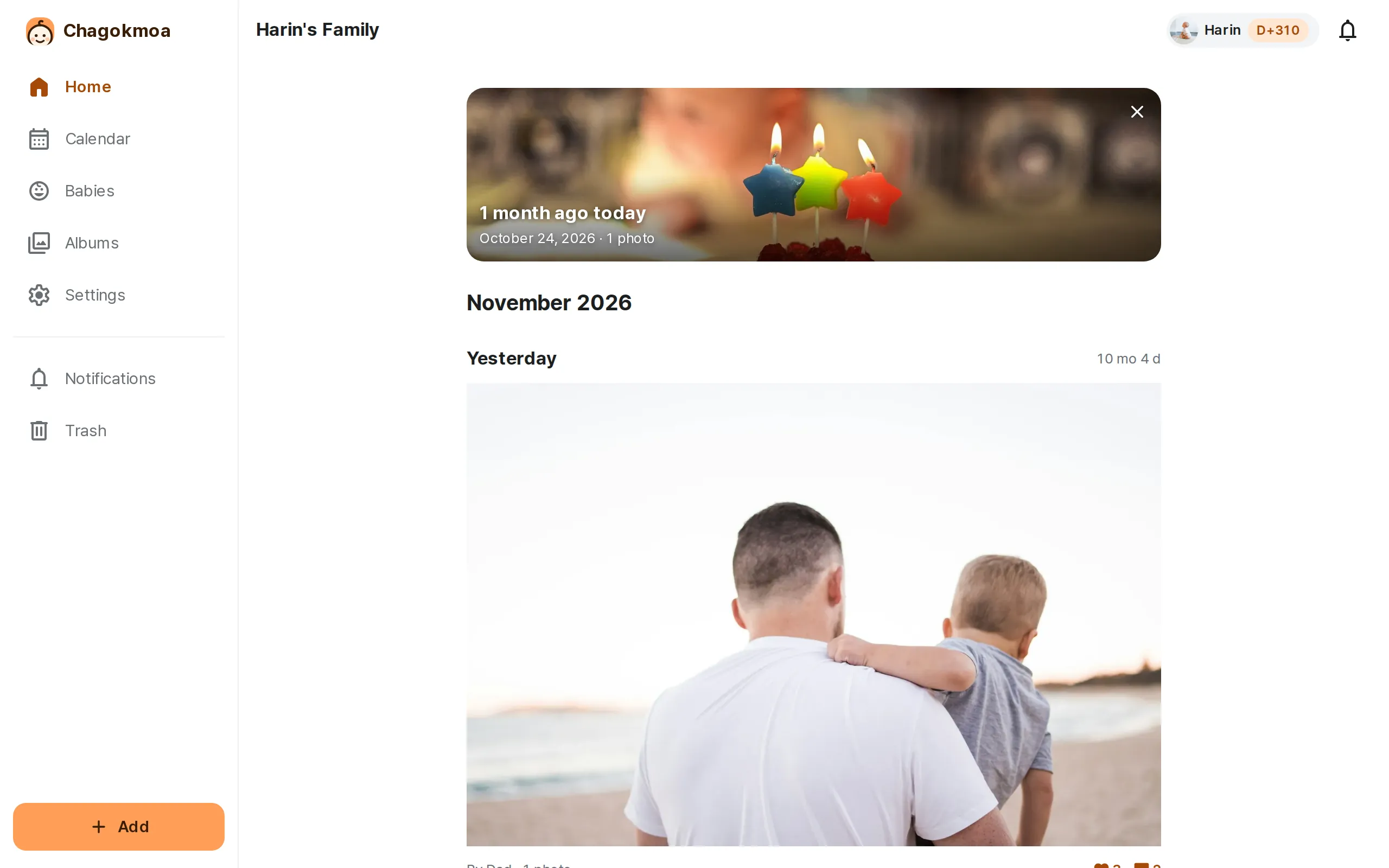
Upload many photos at once and pick up where you left off if an upload is interrupted. HEIC photos and phone videos are kept as originals and shown day by day by capture date.
 Chagokmoa
Where your little one's days
add up, one by one
A growth album of your child that your whole family keeps together.
Keep photos, videos, and precious moments on a server you run yourself.
Chagokmoa is inspired by a Korean expression meaning "to gather and keep things neatly, one by one."
It brings your family's everyday photos and memories together on a server you control.
Photos and videos are kept exactly as uploaded. Thumbnails and playback files are created separately.
Use it without ads, tracking, or subscriptions. Your photos and records are stored only on the server you run.
Invite your family with invite links, and set permissions by Admin, Guardian, and Family roles.
Upload many photos at once and pick up where you left off if an upload is interrupted. HEIC photos and phone videos are kept as originals and shown day by day by capture date.
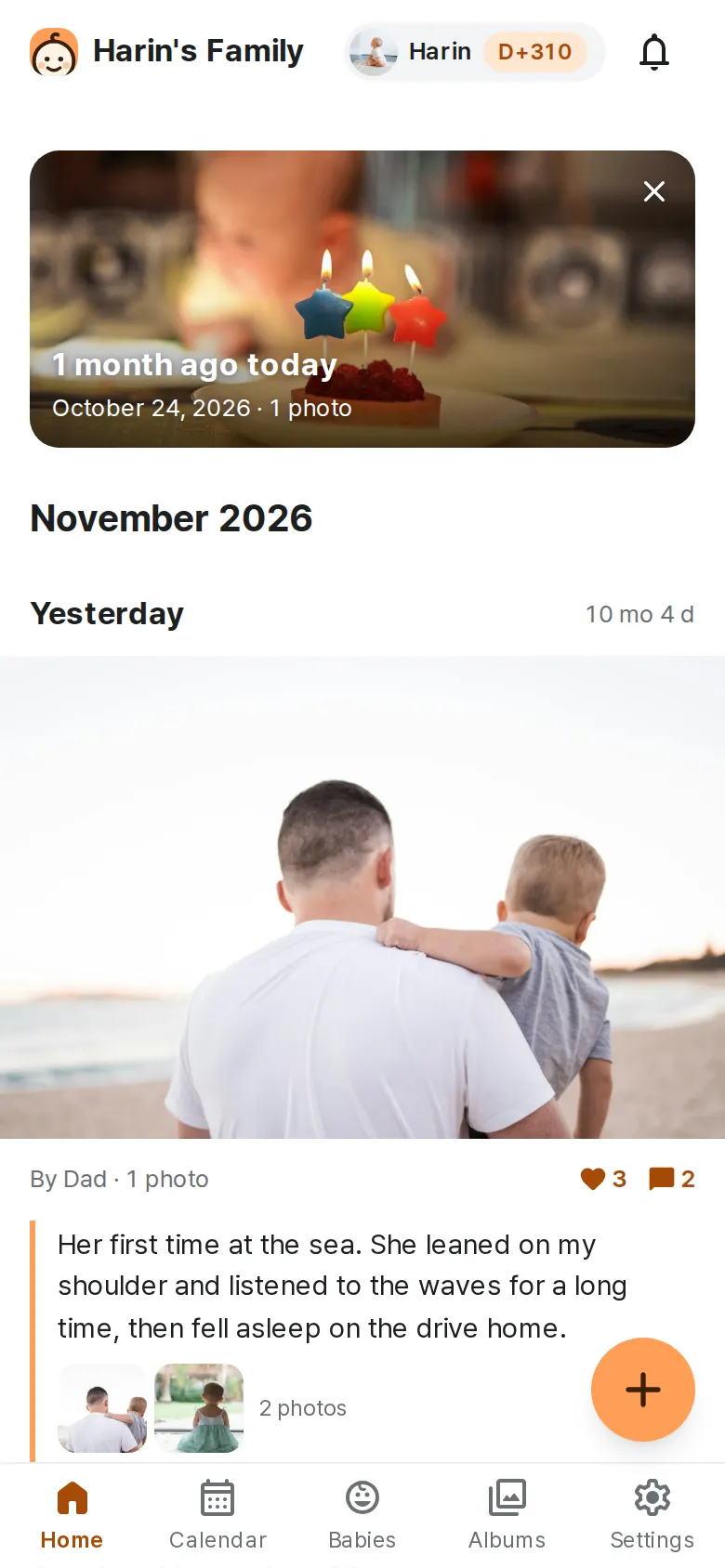
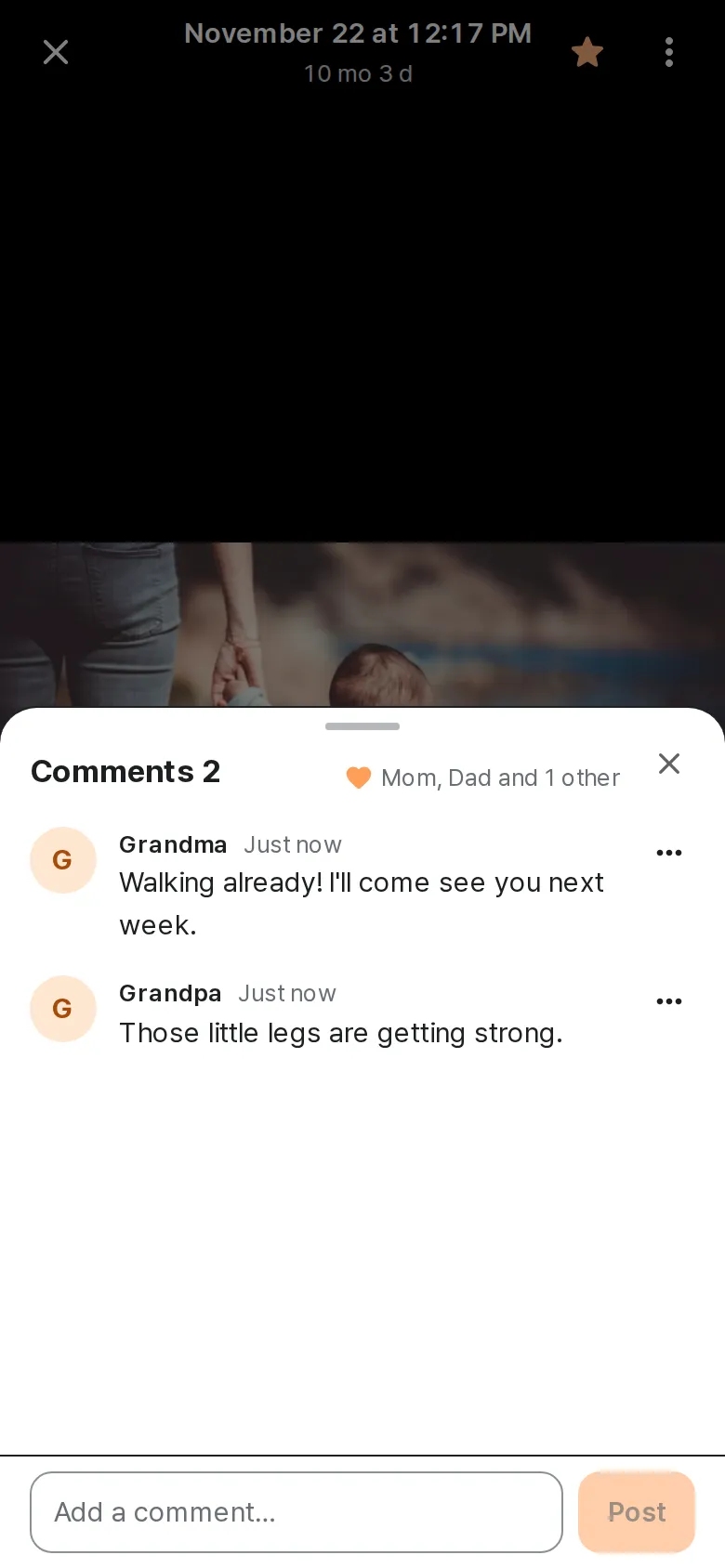
Enjoy photos full screen and talk about them with hearts, comments, and mentions. Get web push notifications for new photos and comments.
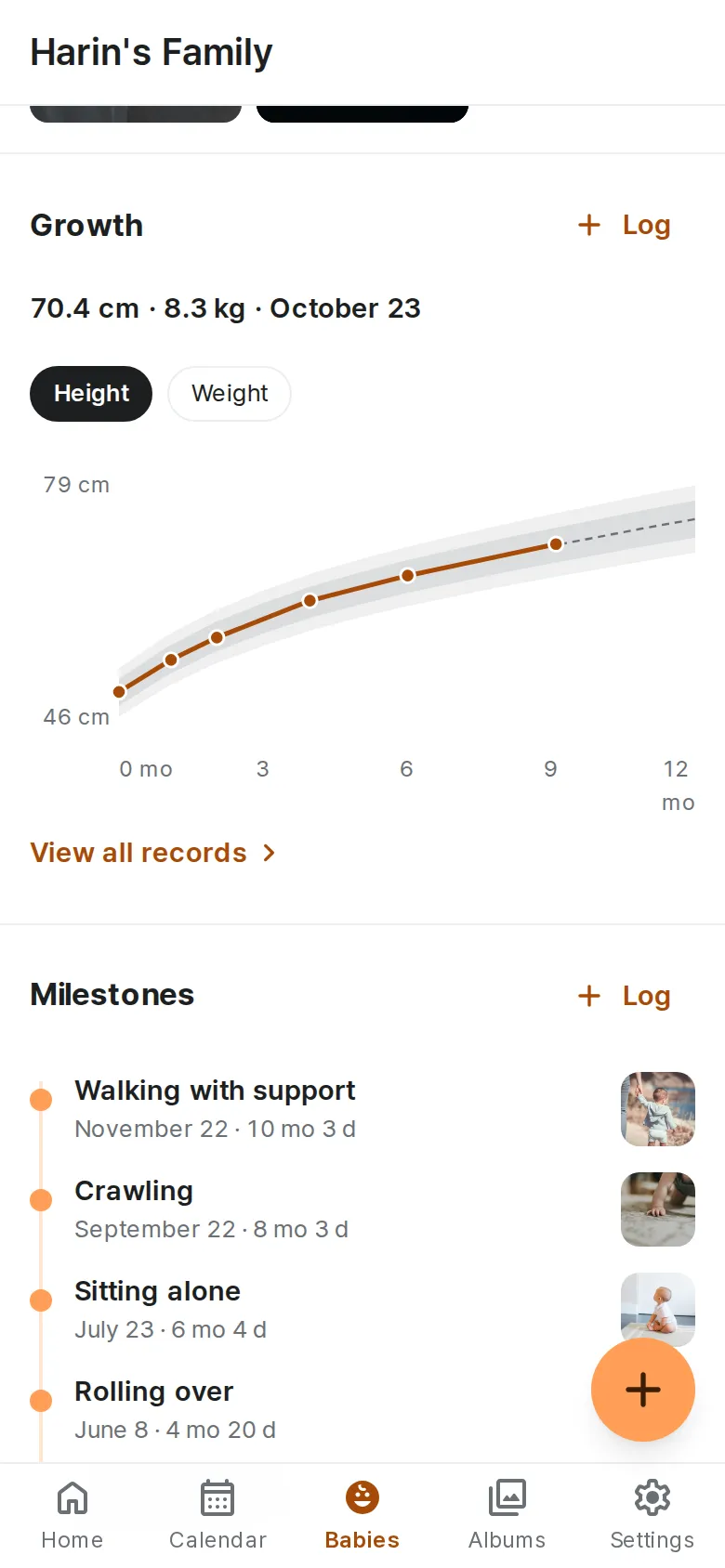
Log height and weight and see them against the WHO growth standard curves. Keep the day they first rolled over or sat up on their own, along with the story of that day.
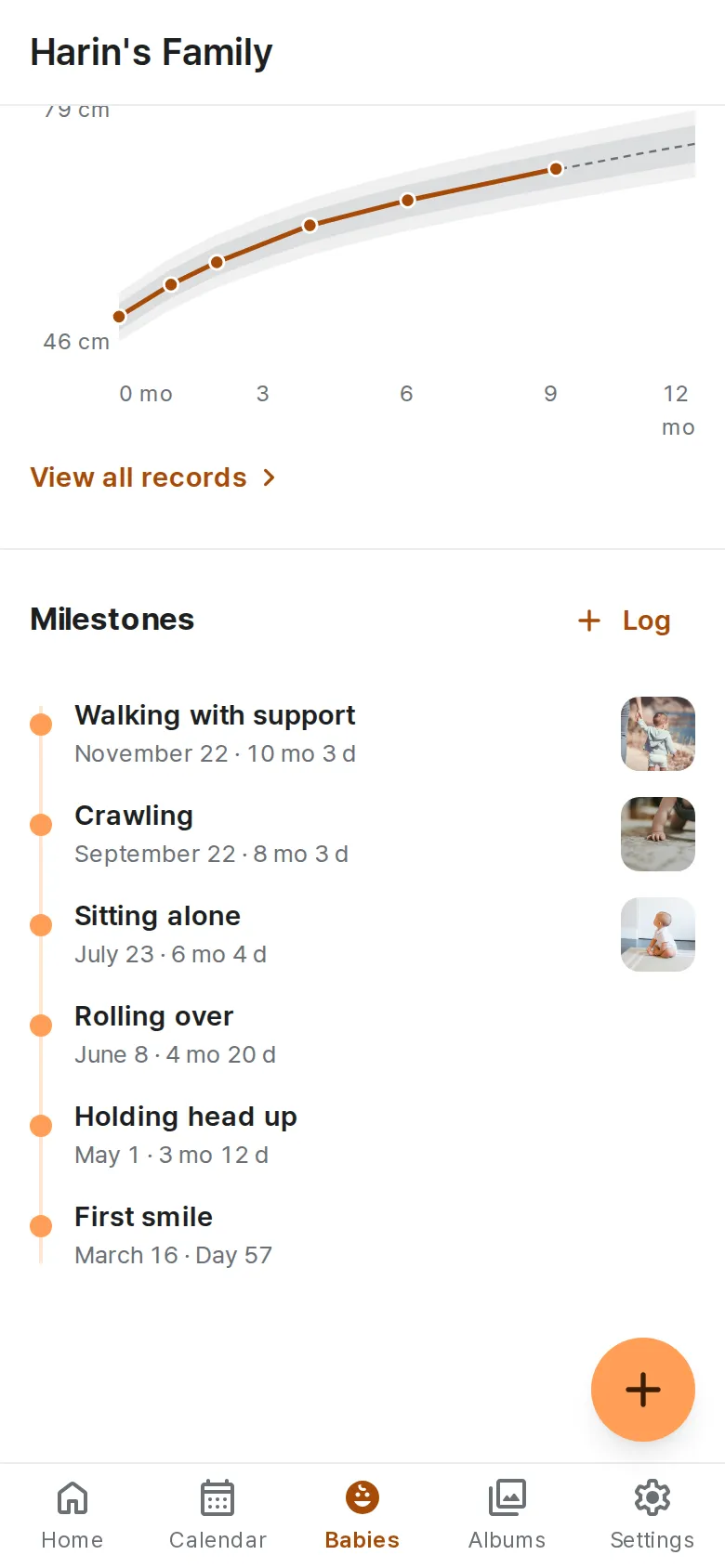
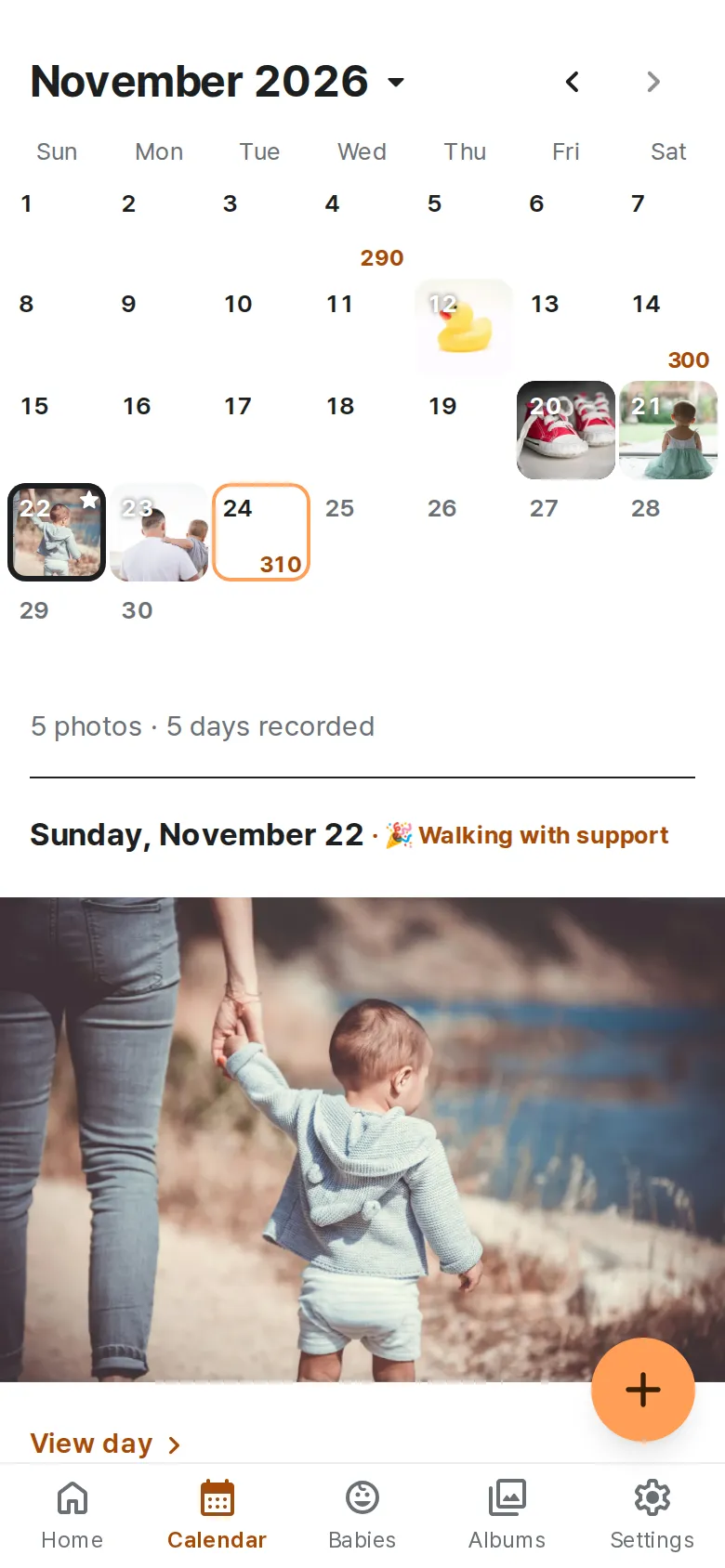
Find photos by date on the calendar, and revisit memories from a year or a few months ago today on the home screen.
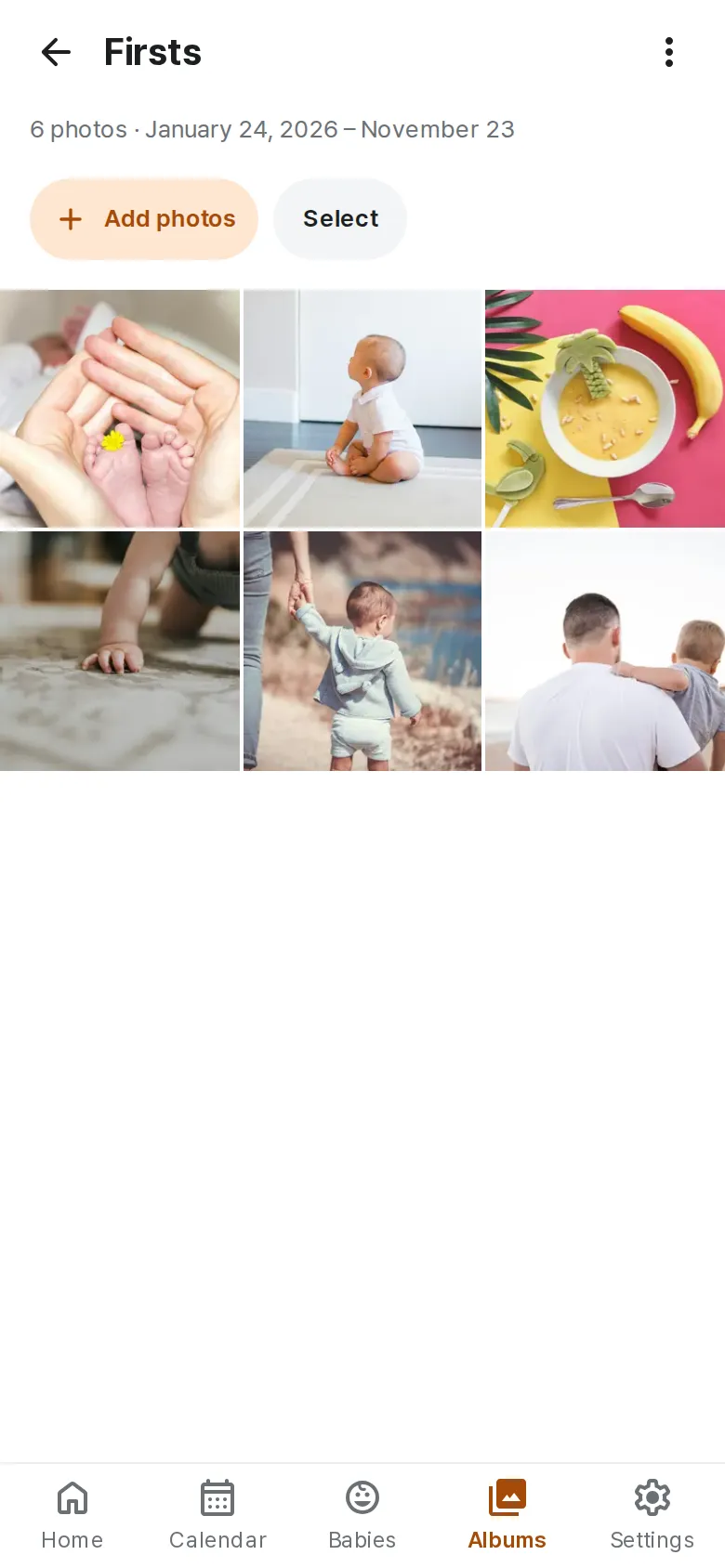
Gather photos by theme, like firsts or family outings. Albums by month of age are created automatically.
Run it on a home server or NAS with Docker and Docker Compose installed. PostgreSQL is included in the Docker Compose setup, and the image currently supports linux/amd64.
Copy docker-compose.yml and .env.example from the compose/ folder of the repository to your server, create a .env file, and fill in the settings.
Start it with the command below. Database migrations are applied automatically on startup.
docker compose up -dOpen the address you set in PUBLIC_URL in a browser and create the first account. The first account becomes the Admin, and family members join through invite links.